Desktop
KEYBOARDW
ASD
SPACE
- W / ↑
- Accelerate
- S / ↓
- Brake / Reverse
- A / D
- Steer
- Space
- Handbrake
- C
- Change camera
- R
- Reset (+5s)
- Esc
- Pause
Browser rally game
Play online, learn the controls, and find practical tips.
A free browser rally game with winding dirt roads, timed challenges, multiplayer racing and a track editor. Find the game, learn the controls and start chasing a faster time.
Official site · opens in a new tab. 1in8b is an independent player guide.
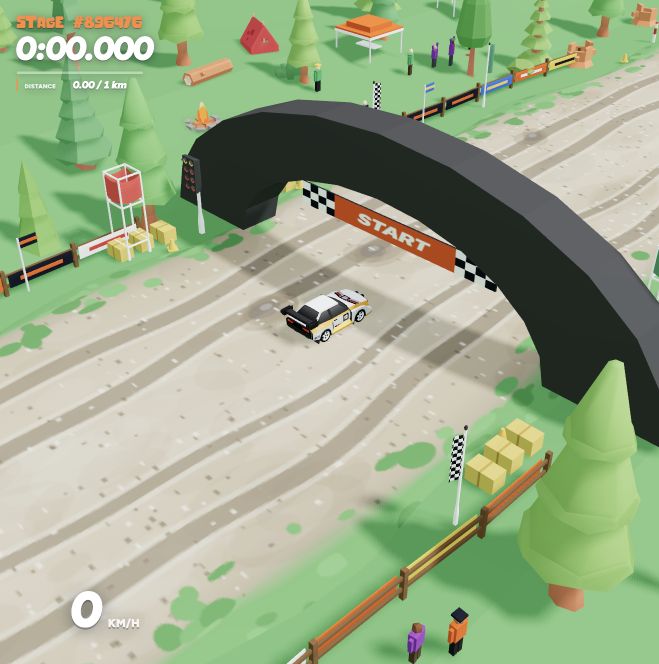
How to play
Touch and drag to steer.
The car accelerates automatically.
Game modes
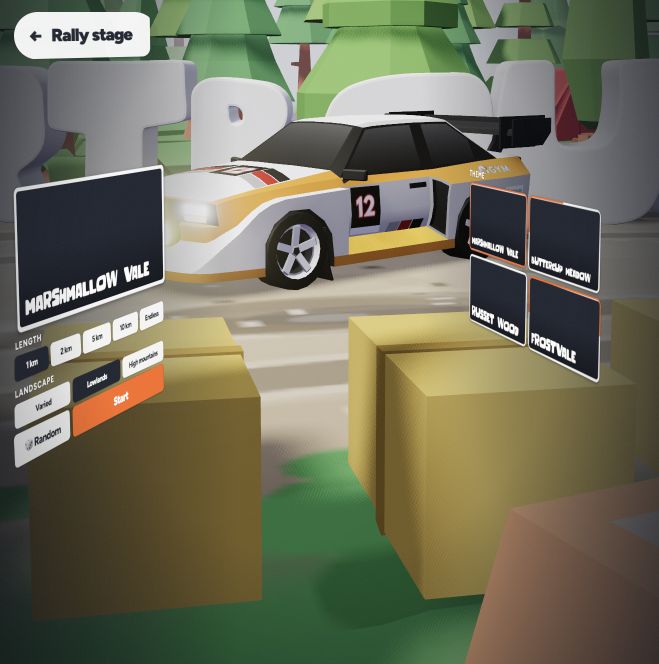
Take on a newly generated rally road. Pick a distance, landscape and season.
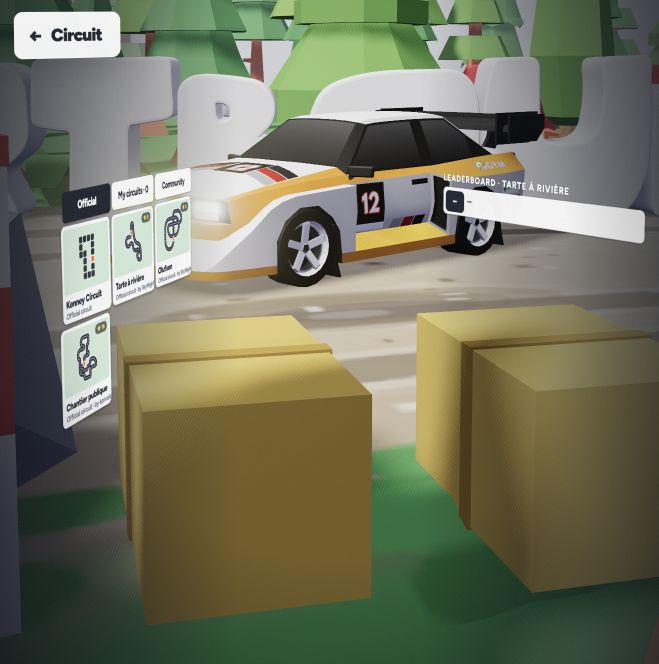
Race timed laps, chase the record holder’s ghost and improve your best run.
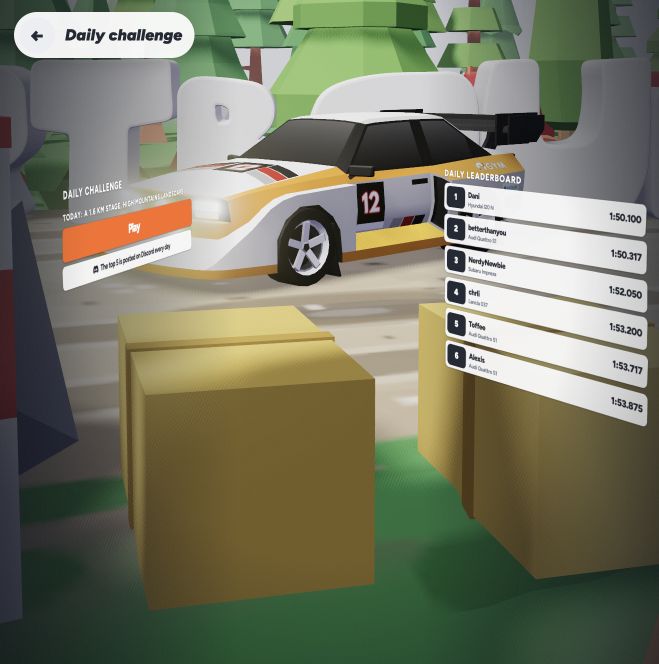
Drive the day’s shared stage and see how your time compares.
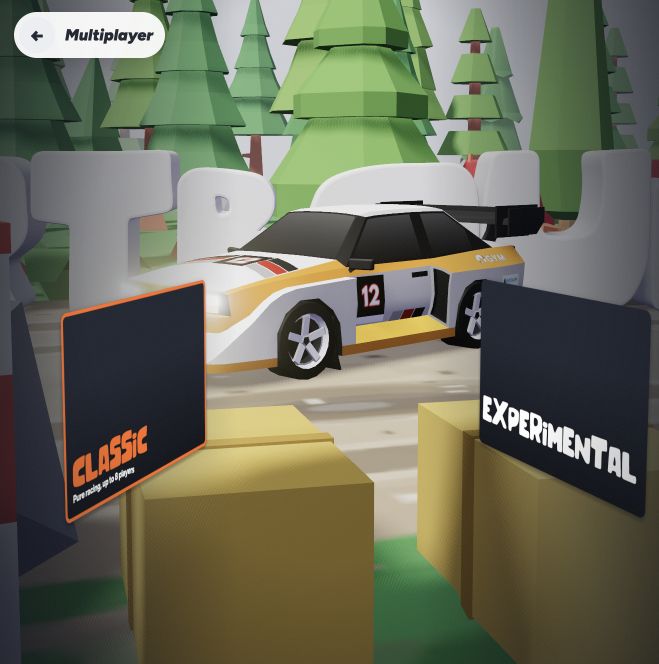
Join a public lobby or create a private room to race together.
Also in the game: Experimental adds power-ups to multiplayer. The Track Editor lets you create and share circuits.
Time penalties
Go off the road, get stuck or press R to reset your car, and five seconds are added to your time.
Hit a spectator and ten seconds are added to your time.
Clean driving matters. A small mistake can cost more time than you gained by pushing harder.
Driving tips
Brake before the bend, then accelerate as you exit.
Stay on the dirt. Grass slows you down, and a reset costs five seconds.
Save the stage URL and reopen it to drive the same generated road again.
Driving tips are general rally advice, not tested DirtBound lap-time claims.
Track editor
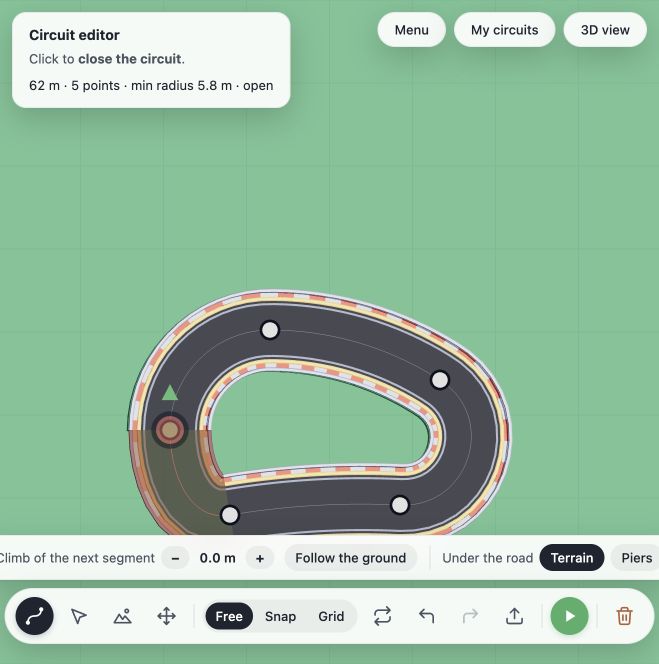
Shape a circuit in DirtBound’s editor, try it in the game, then publish it for other players. Publishing uses an account.
Open DirtBound ↗FAQ
R resets your car and adds five seconds to the stage time.
If no wheel stays on the dirt for about three seconds, the game can reset the car and add five seconds. Falling off the route or getting stuck can also trigger a reset.
Yes. Copy the generated stage URL and send it to your friend so you can both try the same road.
Try Circuit mode for timed laps and the record holder's ghost.
On mobile, touch and drag to steer; the car accelerates automatically.
Solo stages work without an account. The official game uses Google sign-in for multiplayer lobbies, leaderboards, and circuit publishing.
Try the Low graphics preset in Settings to reduce scenery, shadows, and smoke on a slower device.
The editor supports creating and publishing circuits, but custom scenery placement was not verified during this content review.